 PLAY INQUEST
PLAY INQUEST has a new look and a few new ways to play.
The evidence board
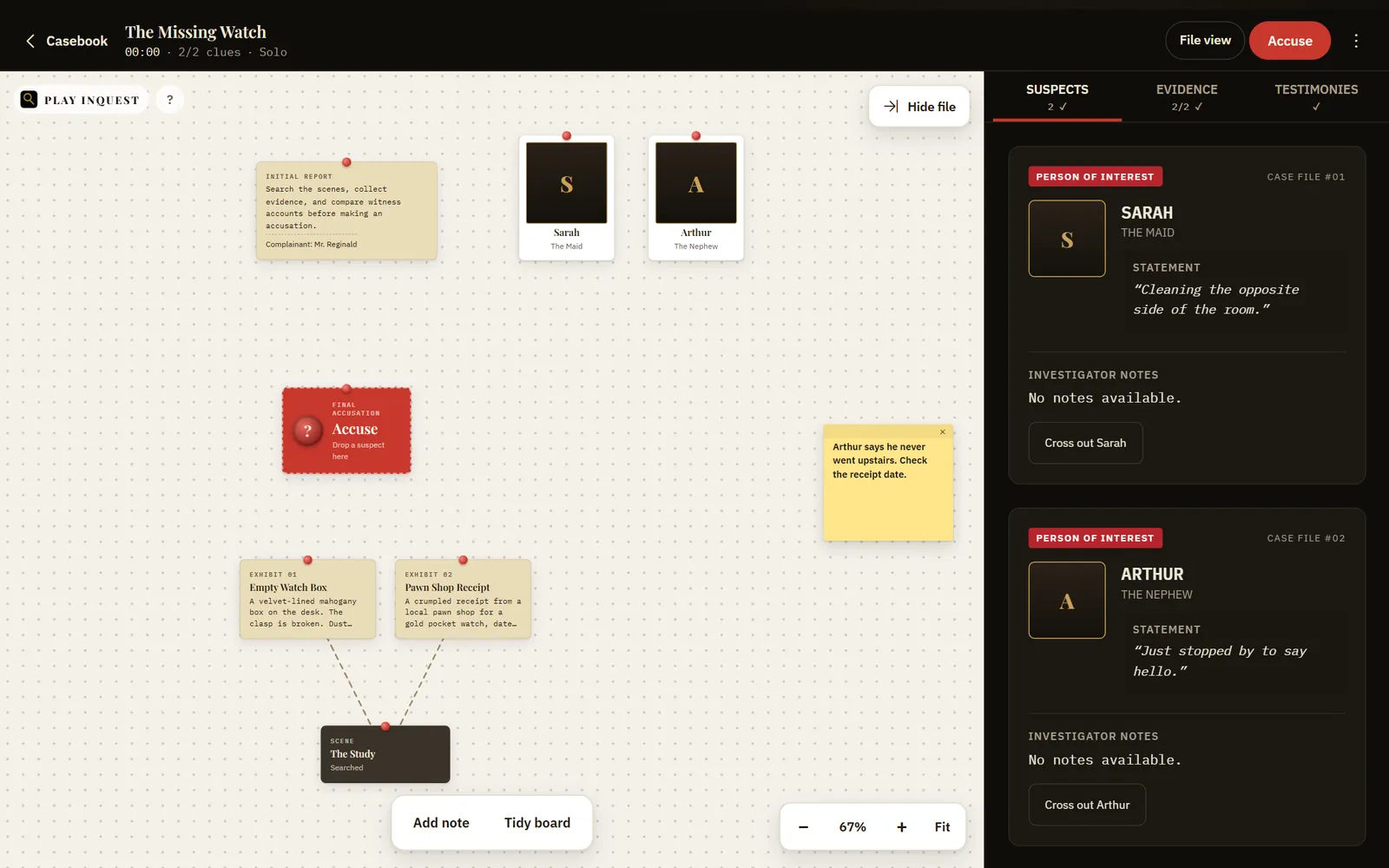
- On a computer or tablet, your case now opens on an evidence board: the report, suspects, scenes and every clue you find, all pinned in one place.
- Strings appear on their own between each clue and the scene where you found it, and between a clue and any witness you showed it to.
- Drag anything anywhere. Move around the board and zoom in and out, or press Fit to see everything at once.
- Double-click to drop a sticky note, in yellow, pink, green or blue.
- Click a scene to search it, or a suspect to open their interview.
- Ready to name the killer? Drag a suspect onto the Accuse pin.
- Fold the case file away when you want the whole screen for the board. Prefer the old layout? File view is one click away.
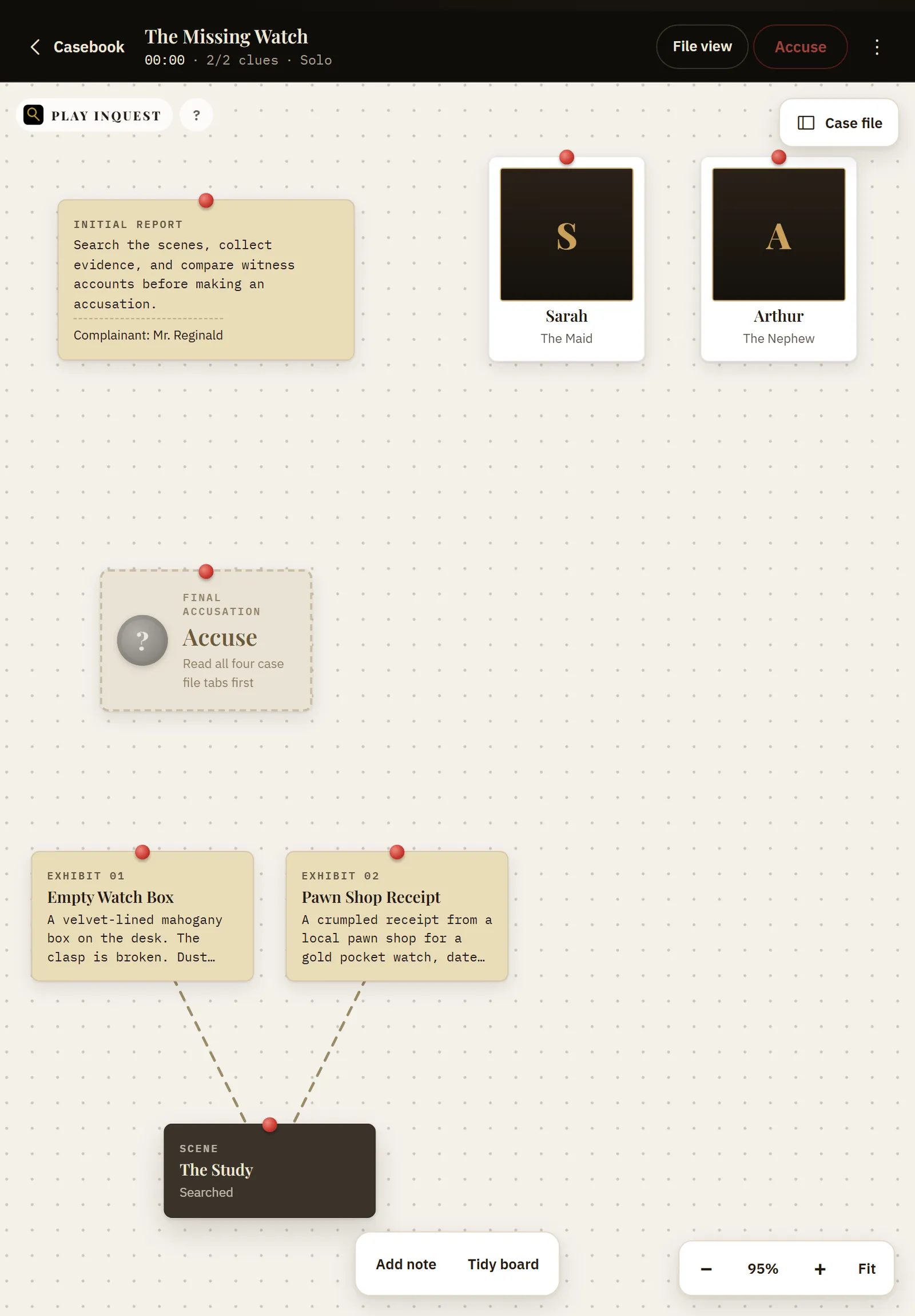
On an iPad, drag with one finger and pinch to zoom. Held upright, the board starts with the case file folded away.
A new case file
- Warm, dark case files with manila reports and evidence, and clearer type throughout.
- Today’s case now leads the home screen, with a countdown to the next file and a strip showing the week’s solved cases and your streak.
- Phones get a tab bar for Today, Casebook, Ranks and Profile. The case header is simpler, with one Accuse button.
New in an investigation
- Put evidence to a witness from the new evidence tray and watch their composure slip.
- When you accuse, you can also name the weapon and the motive. Get them right with the killer for a full deduction.
- Press and hold to seal your accusation, or tap to review it first.
After the verdict
- Share your result with a spoiler-free card showing how much of the trail you found.
In the casebook
- See this month’s daily cases as a calendar and open any day you can play.
A new website
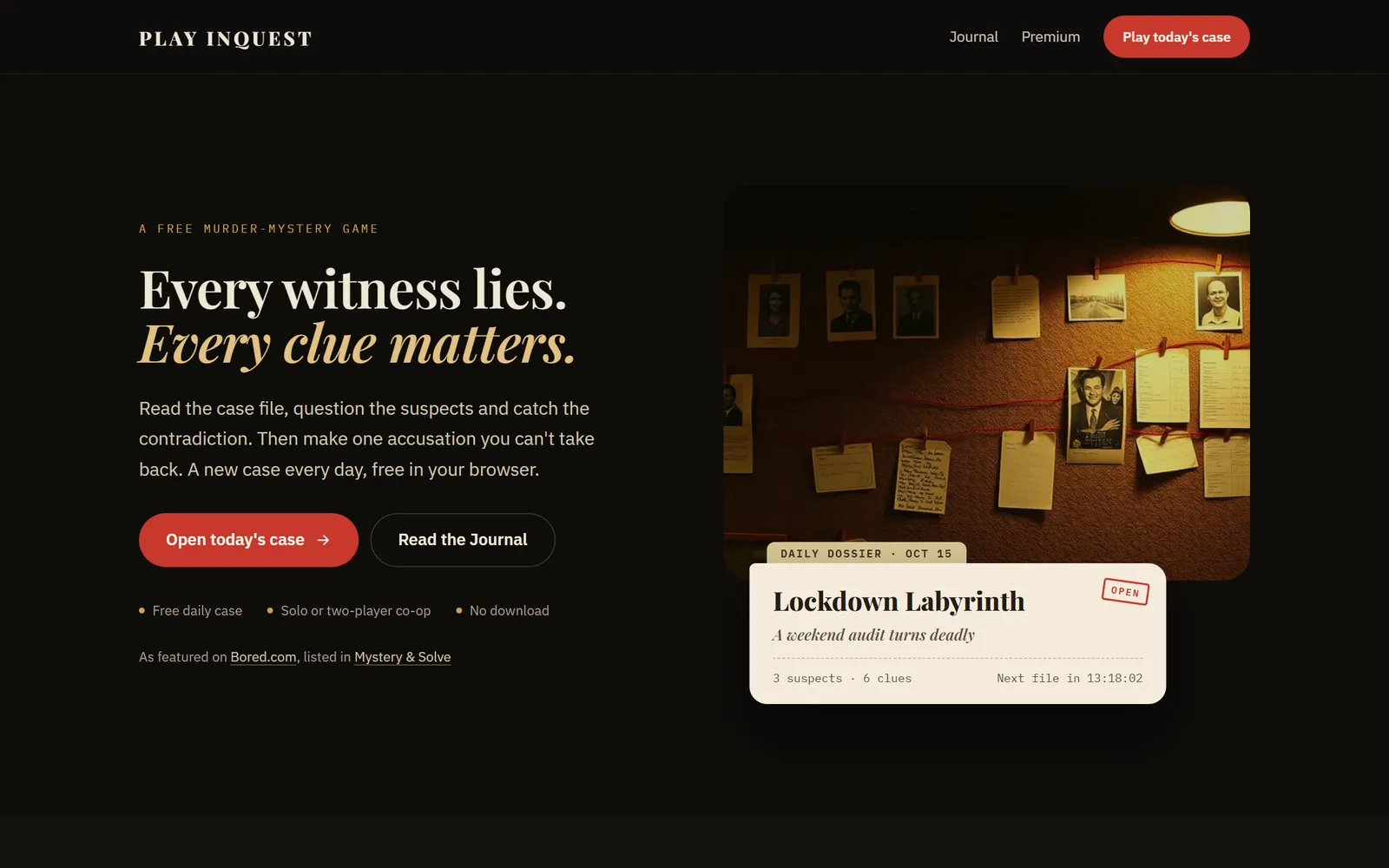
- A calmer homepage that puts today’s case up front.
- A redesigned Journal, with articles that are easier on the eyes.